Customize RGB Lighting on a Gaming PC: LEDs, Fans, & More
Check Computer Specs on PC, macOS, and Linux
6 Easy Ways to Determine the Type of Motherboard You Have
Disable Hardware Acceleration in Windows & Chrome
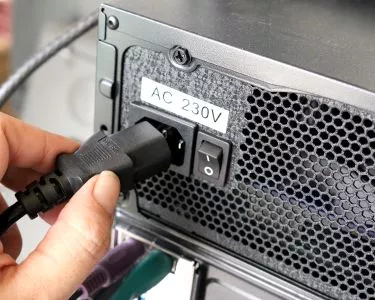
Replacing a Power Supply for Your PC: Diagnostics & Installation
Change Fan Settings if Bios' Power Options Are Hidden
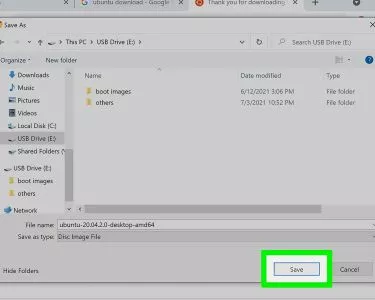
Download Directly to a Flash Drive
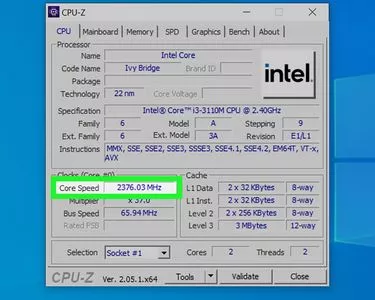
4 Ways to Check Your Computer's Speed: Guide to CPU Clocks
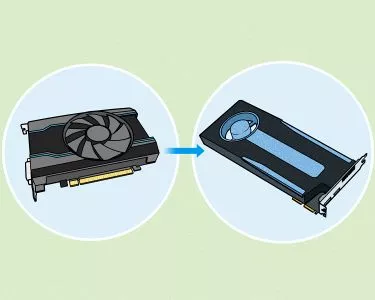
Tell if Your GPU is Dying
Install an Upgraded Processor in your Windows Computer
Undervolt a GPU to Lower Temps and Reduce Power Usage
See Your PC's Full Specs on Windows 10
Find Hardware ID
Overclock Your CPU
Fix High CPU Usage
Check Your Graphics Card Memory in Windows 10
Install a Motherboard
Fix GPU Fans That Don't Spin: Step-by-Step Guide
Replace the Battery in Your PC
Install a Cooler on an AMD CPU: Expert-Approved Steps
Fix a Noisy Mouse: Eliminate Squeaking and Clicking
Clean a PC Fan
What to Do if You're Greeted with a CPU Fan Error Message
The Differences Between Performance Mode, DX11, and DX12
Install a PCI Card
Fix Bent Pins on a CPU
2 Simple Ways to Adjust a Keyboard Stand Height
Can You Upgrade the RAM in a 2019 MacBook Pro? Answers + Workarounds
Remove a Processor Fused to a Heatsink
Corrupted Flash Drive? How to Fix It Without Formatting (On Windows and Mac)
4 Easy Ways to Monitor Your CPU Temperature
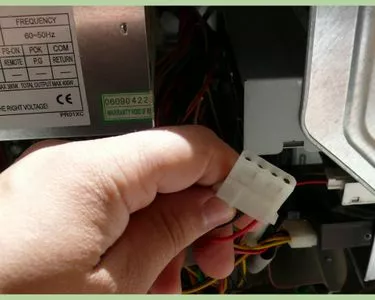
Start a SMPS Without a Motherboard
Install an M.2 SSD on a Desktop
Install a New Processor
Identify and Resolve Hardware Failure Issues
Safely Clean Your PC's CPU Fan
2 Simple Ways to Overclock RAM on Your PC
Why Does My Computer Fan Keep Running? 10+ Computer Fan Troubleshooting Tips
Reduce Heat Inside Your HP Laptop to Prevent Overheating
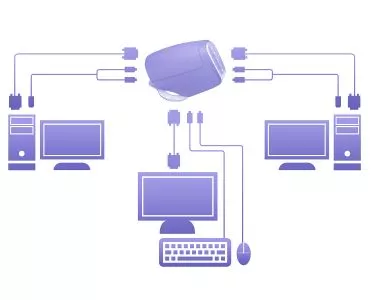
Operate Multiple Computers With One Keyboard and Monitor
Create Printed Circuit Boards
Clean a Desktop PC Motherboard
Connect Case Fans
Mount a Motherboard in a Case
Recycle Motherboards
Find Documentation for Your Motherboard Online
Debug a Dead Motherboard
Check the Compatibility of an AC Adapter and Your Computer
wikiHow Tech Help Pro:
Level up your tech skills and stay ahead of the curve